 Pockode
Port Preview
Open the dev server running on your machine in your phone's browser, hot reload included.
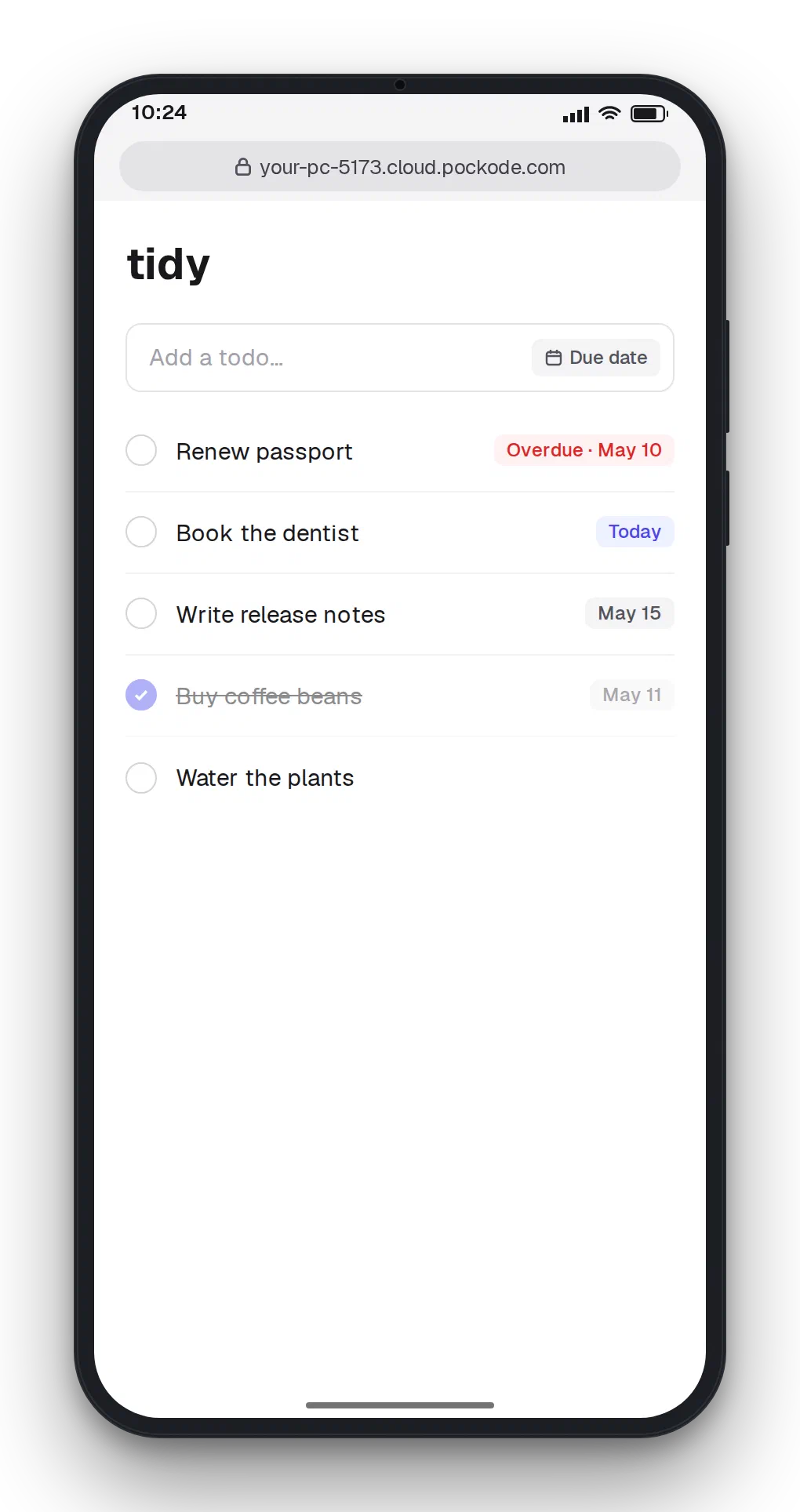
Open any port on your machine from the phone — a Vite or Next dev server on 5173, Storybook on 6006 — through the relay. No port forwarding and no dev server configuration; hot module reload works.
Open a preview
Tap the preview button in the app’s header, beside Settings, enter the port and tap Open. The preview opens in a new tab, already logged in. Ports you opened before are listed under Recent.
The button is there only when the relay is on: with -relay=false there is no preview.
The address
https://<your address>-<port>.cloud.pockode.comThe app at https://abc123.cloud.pockode.com previews port 5173 at https://abc123-5173.cloud.pockode.com. Only localhost on your machine is reached, never another machine on its network.
An address you copy or share is not a login: whoever opens it gets a password page and needs the app’s password. Each port is logged into separately, and a login lasts 30 days unused. What the relay can reach and see is on the Security page.
What to expect
- No configuration. The dev server sees requests as if they came to
localhost:<port>, so Vite’sallowedHostsand Next’sallowedDevOriginsneed no changes. - One port per page.
-5173and-8080are different origins, so a frontend that calls its API on another port directly is refused (403). Route the API through the dev server’s own proxy, such as Vite’sserver.proxy. - No frames. A preview cannot be embedded in another page; a page framing itself (a Storybook canvas) works.
- 30 seconds to answer. A dev server compiling a route on first request can take longer and return 502; reload.
/__pockode/and/api/mcp/are Pockode’s and never reach your server.
When it goes wrong
| You see | Do this |
|---|---|
| A Pockode password page | Enter the app’s password. Expected for a shared address, a new port, or a login older than 30 days |
502 nothing is listening on localhost:<port> | Start your dev server, then reload |
502 localhost:<port> did not answer | The server failed or took over 30 s; reload, or check its output |
403 cross-origin request refused | A request from another port or site; see One port per page above |